Midjourney Parameters
Parameters refer to the various options or settings that can be added to a prompt to influence how an image is generated. These settings have the ability to modify specific aspects of the image generation process. Some of the key parameters include:
Aspect Ratios: This parameter allows you to specify the proportions of the generated image, controlling its width and height ratios.
Midjourney Model Versions: Different versions of the midjourney model might be available, each with its own characteristics and capabilities. Selecting a specific version can influence the output of the generated image.
Upscaler Selection: The upscaler parameter lets you choose from various algorithms or techniques that enhance the resolution and quality of the final image.
Other Modifications: There may be additional parameters that can alter various aspects of the image, such as adjusting brightness, contrast, colors, or introducing specific visual effects.
Parameters are typically seen after the prompt:
panda in the forest --v 5 --s 200 --ar 2:1 --chaos 20
v - model version
s - Midjourney style
ar - aspect ratio
chaos - random component
By carefully choosing and adjusting these parameters, guides can fine-tune the generation process to achieve desired results and produce images that align with their creative vision.
Parameters
--s 800
Model Version Parameter:
--v 4


--v 5


--v 5.1


--v 5.2


--v niji


--chaos 10
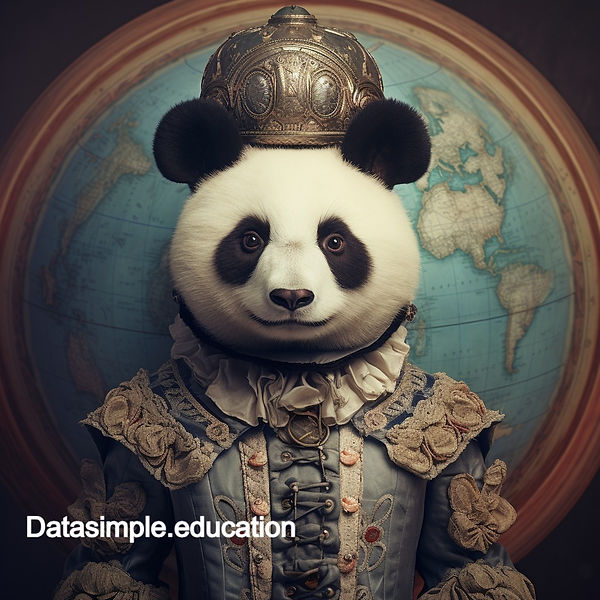
--chaos 20


--chaos 30

--chaos 40


--chaos 50


--chaos 60


--chaos 70


--chaos 80


--chaos 90


--chaos 100


--style raw


--s 100


--s 200


--s 300


--s 400


--s 500


--s 800


--s 1000


